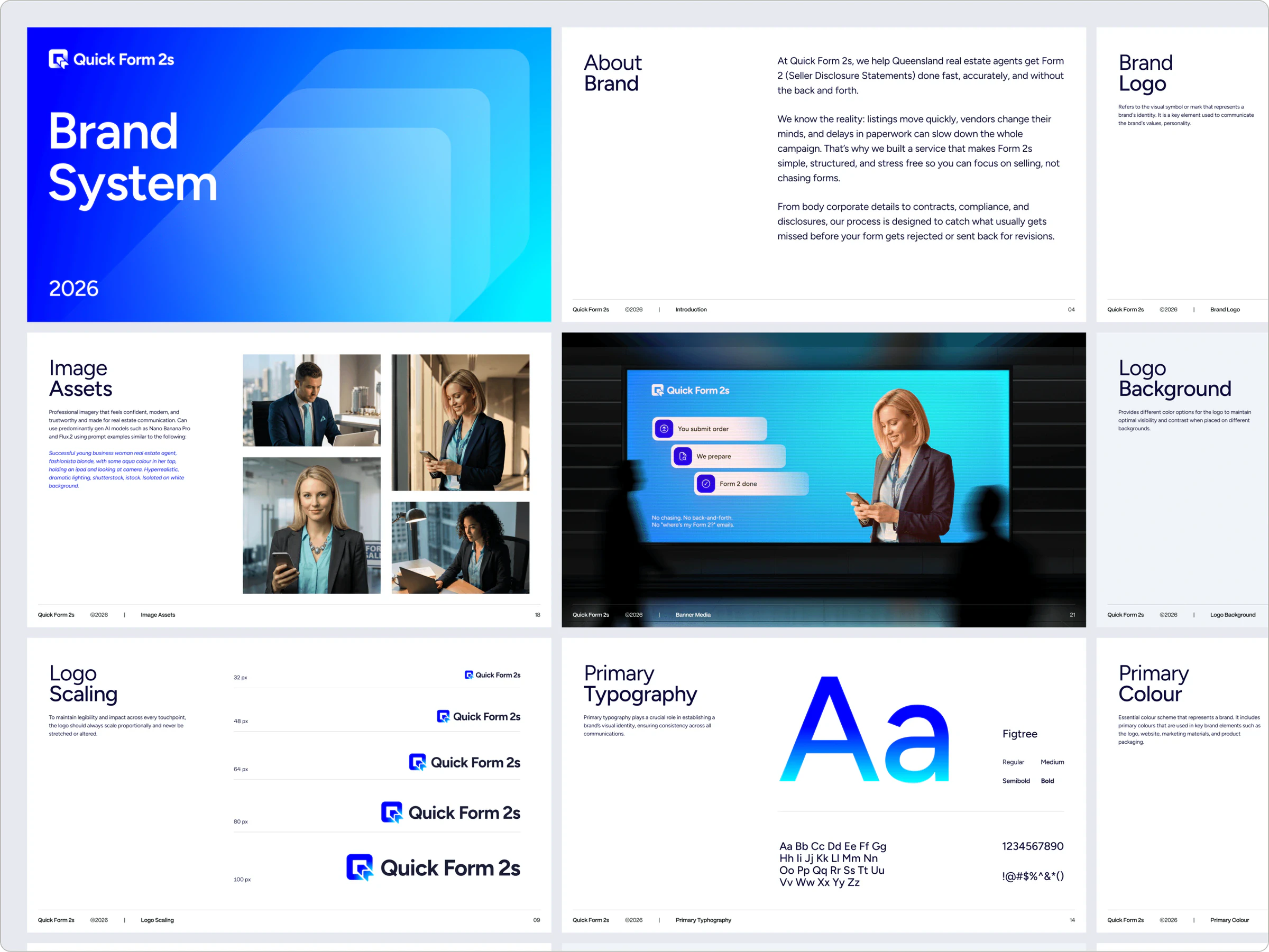
Overview sheet of the Quick Form 2s brand guidelines with the About, Brand Logo, Image Assets and Primary Colour pages
Quick Form 2s Brand System cover in white type over a bright blue to cyan gradient with layered translucent cards
About Brand page explaining how Quick Form 2s helps Queensland real estate agents complete Form 2 disclosure statements
Brand Logo page showing the Quick Form 2s blue app-style mark and dark wordmark on a pale grey panel
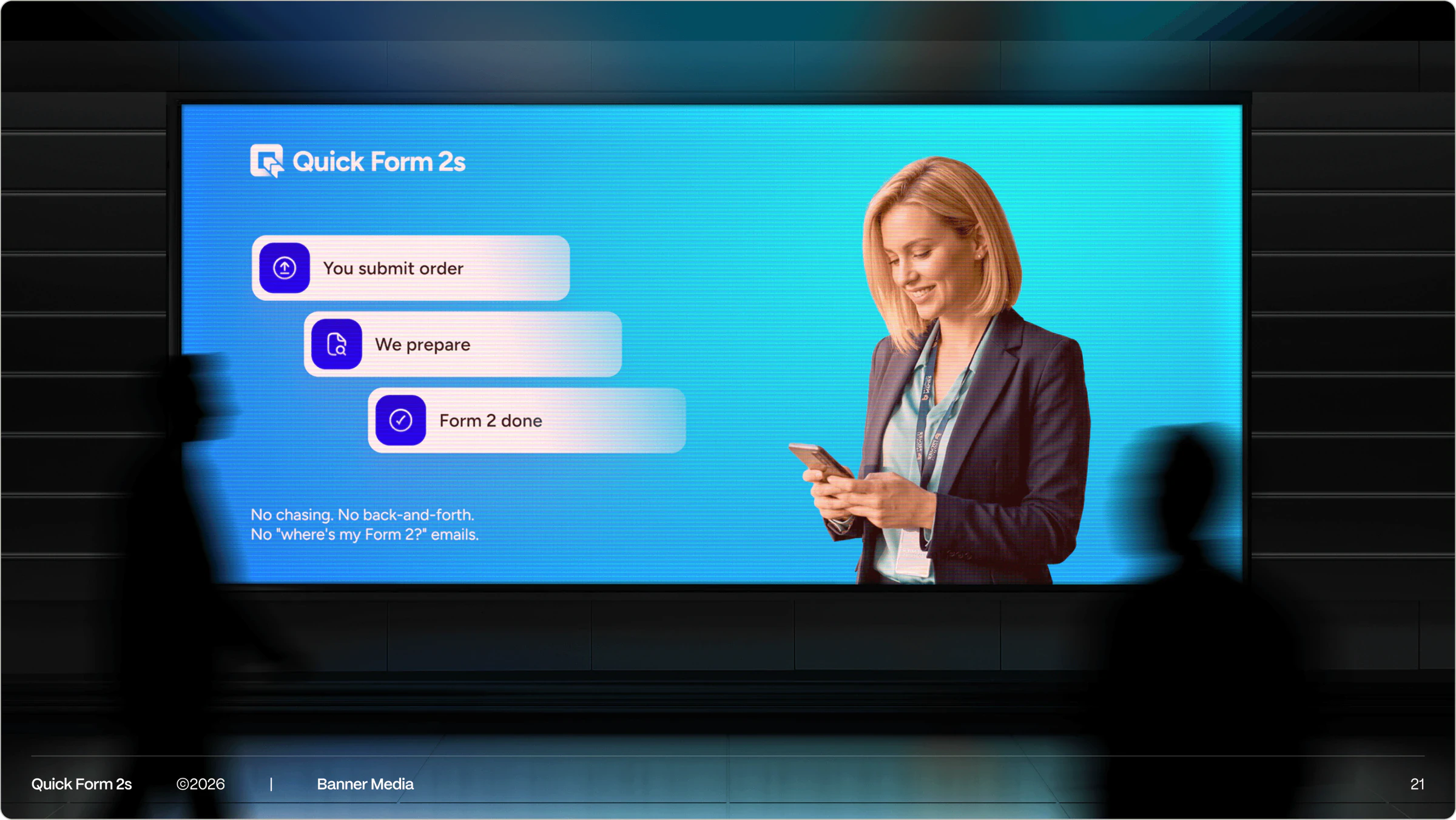
Banner media mockup of a Quick Form 2s screen ad with a smiling agent holding a phone and a three-step order flow
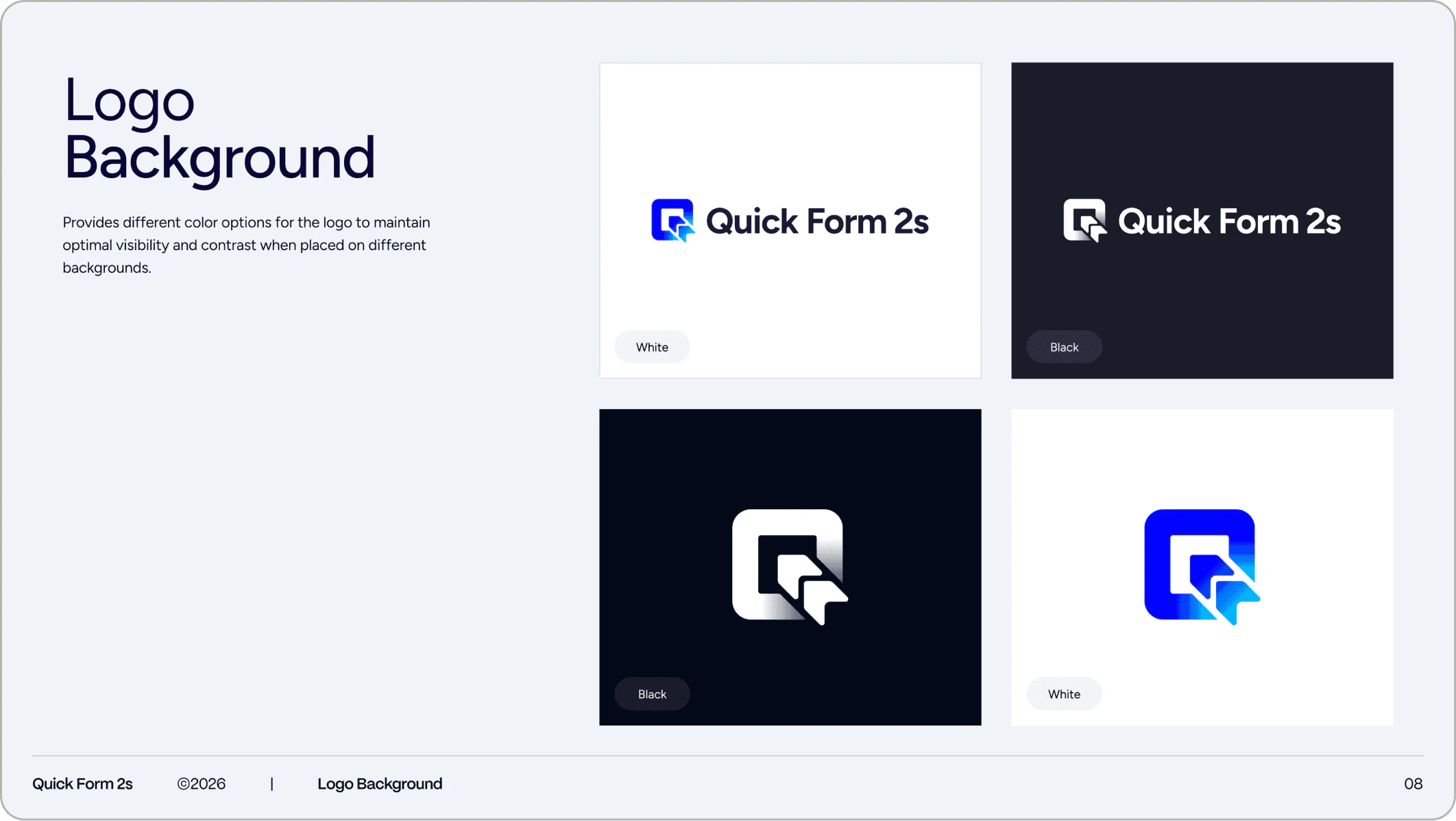
Logo Background page showing Quick Form 2s full and icon-only logos on white and dark navy backgrounds
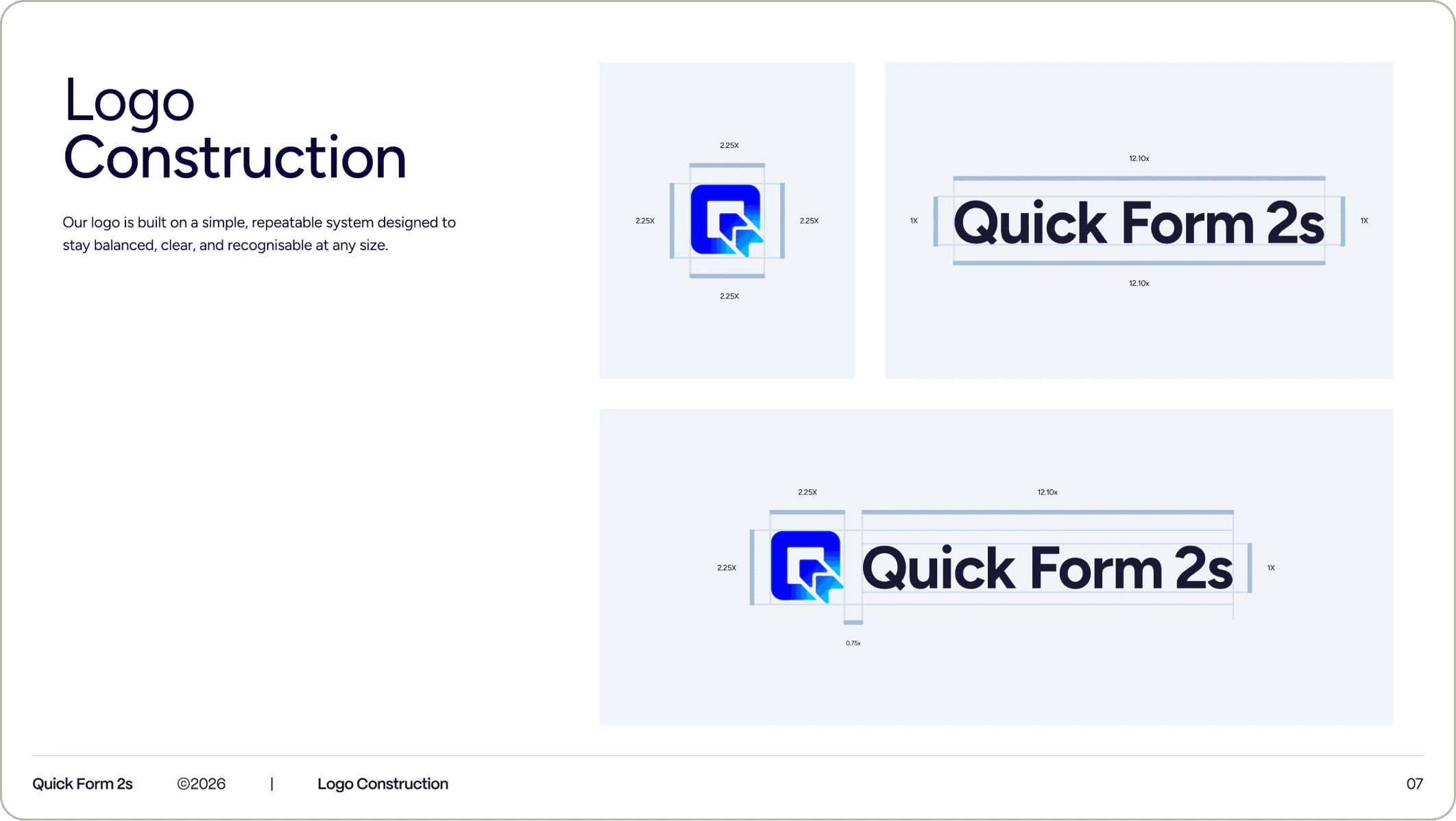
Logo Construction page with measured spacing diagrams for the Quick Form 2s icon, wordmark and combined lockup
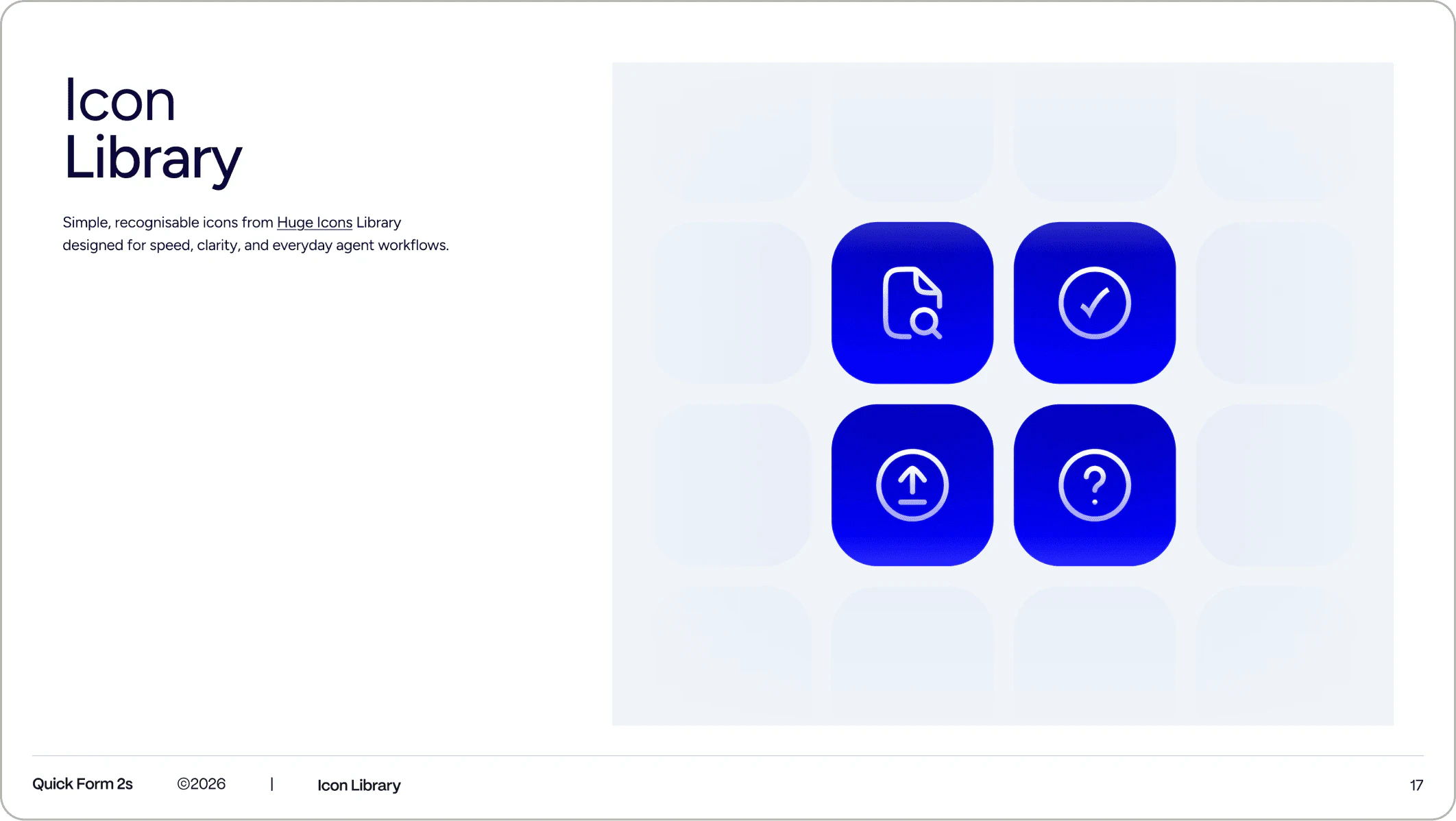
Icon Library page with four glossy blue Quick Form 2s icons: document search, tick, upload and help question mark
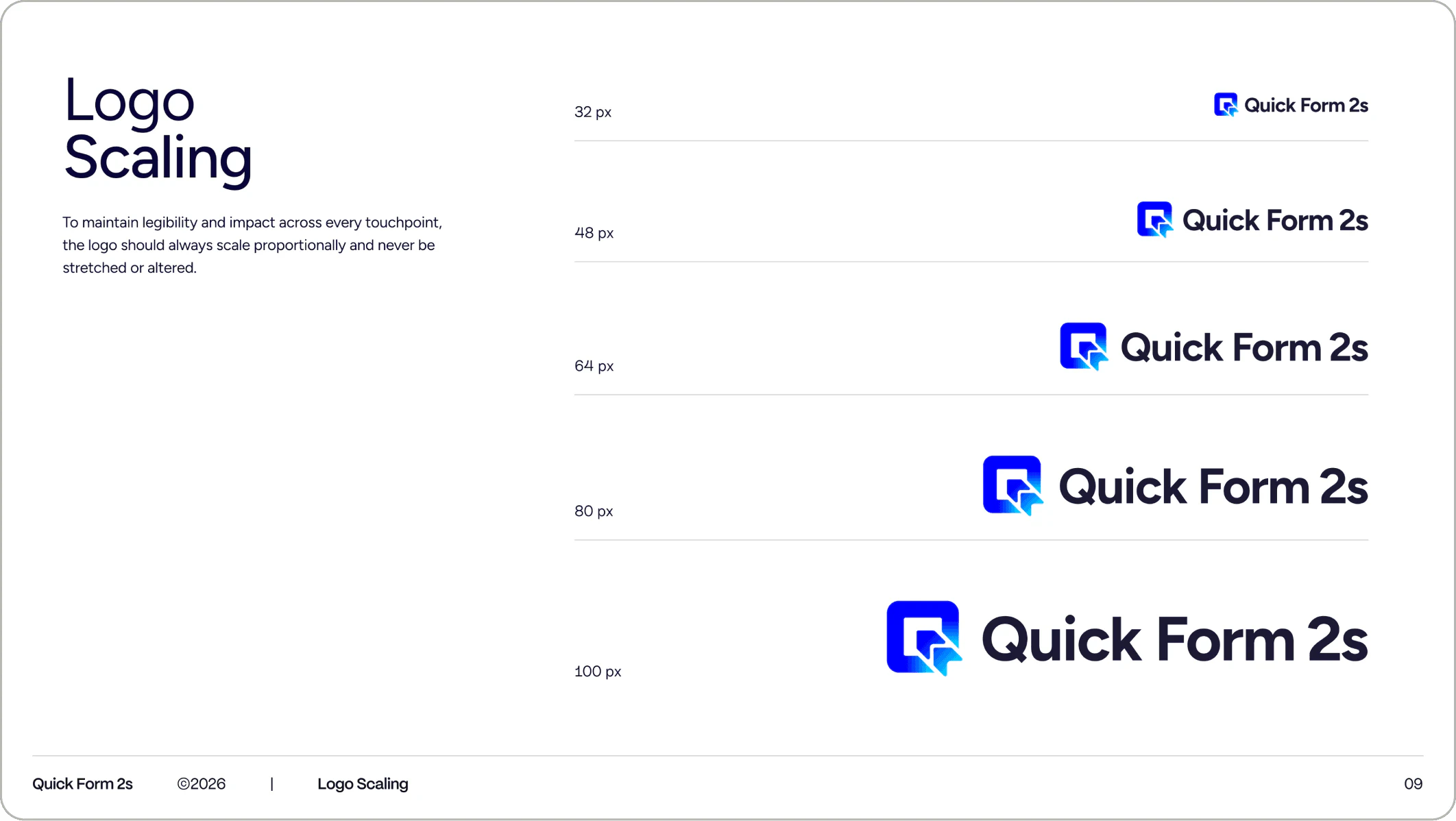
Logo Scaling page showing the Quick Form 2s logo at 32, 48, 64, 80 and 100 pixel sizes in a stacked list
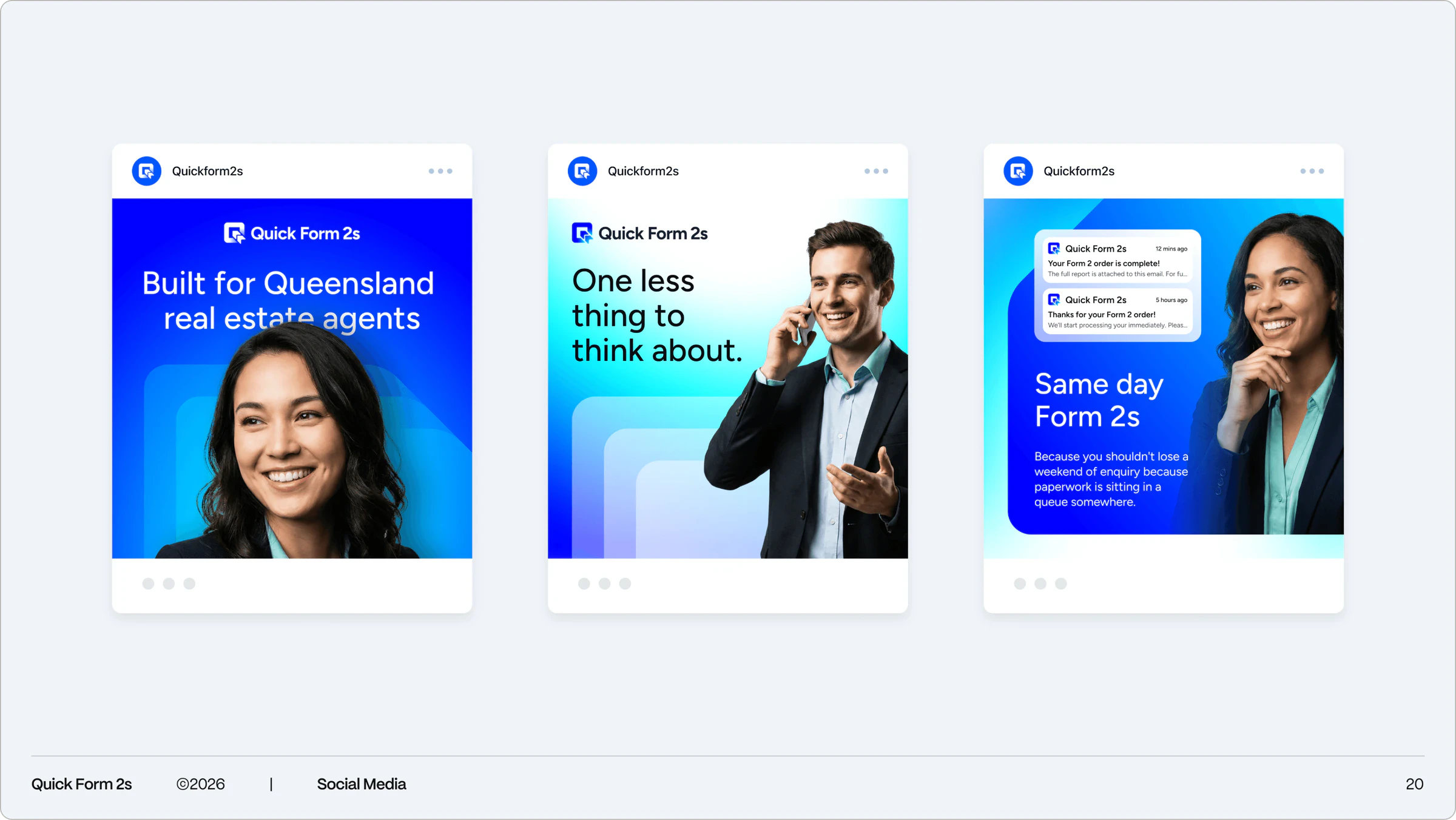
Three Quick Form 2s social posts: Built for Queensland real estate agents, One less thing to think about, Same day Form 2s
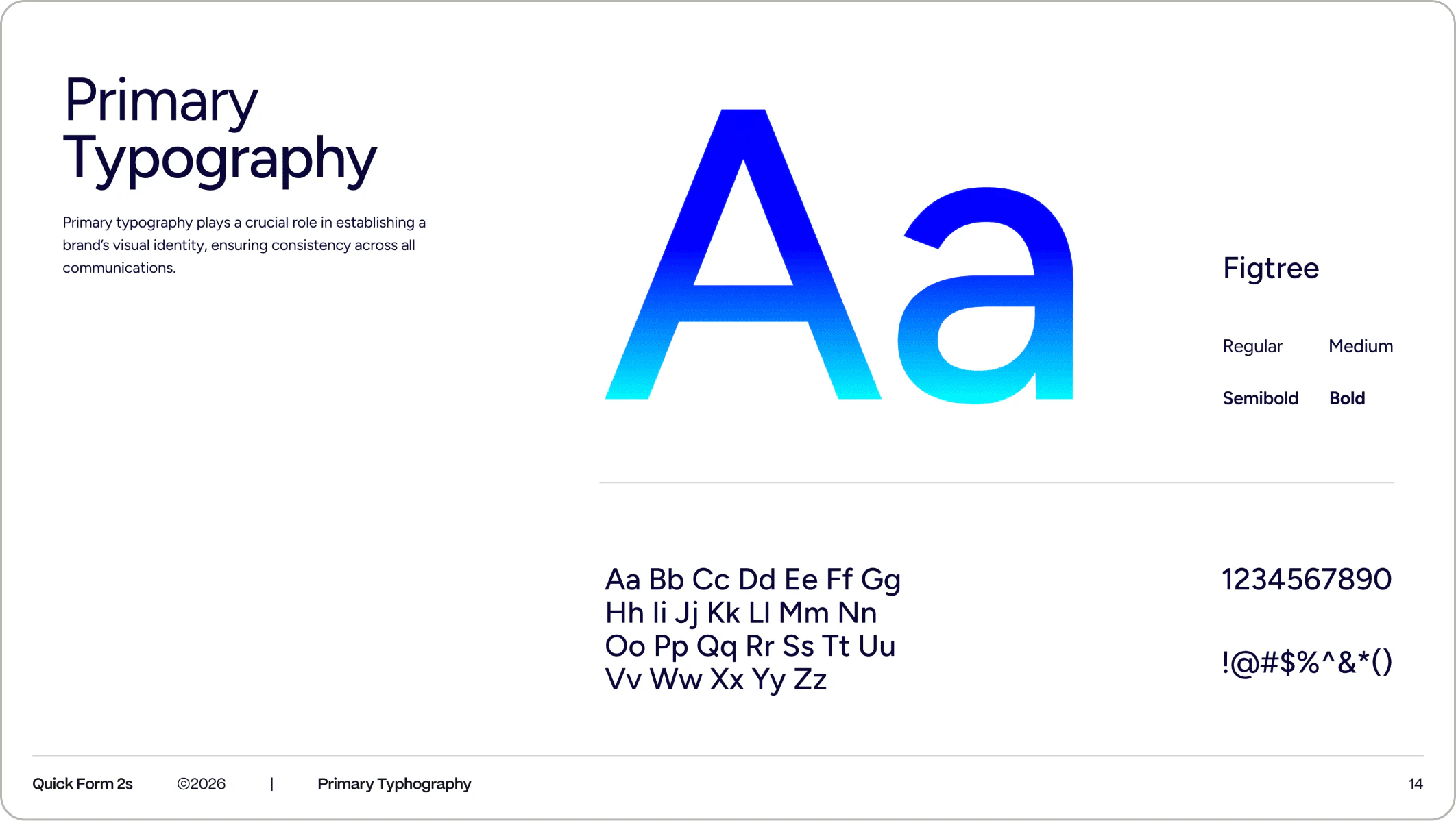
Primary Typography page for Quick Form 2s with a large gradient blue Aa specimen in Figtree and its four weights
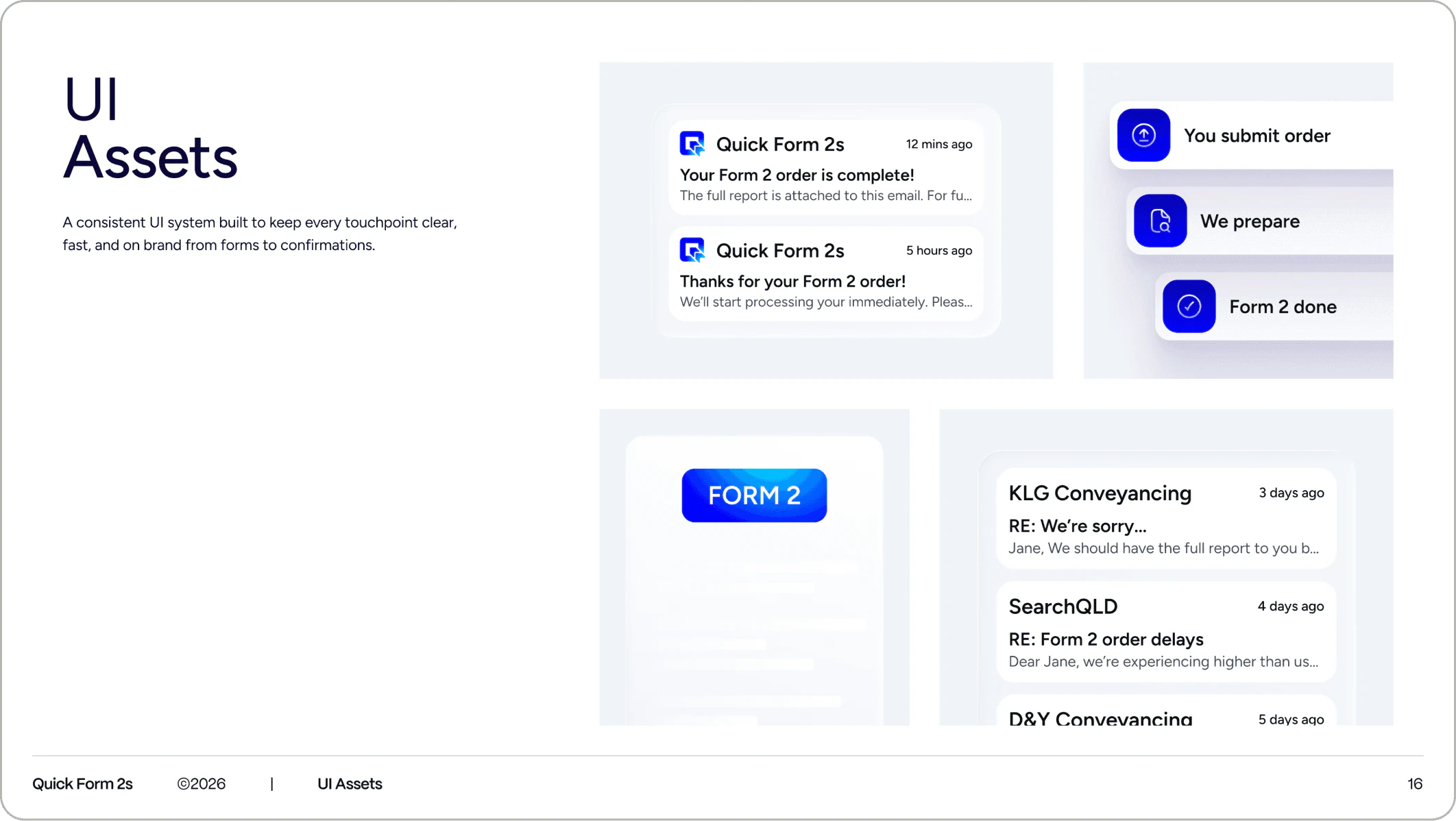
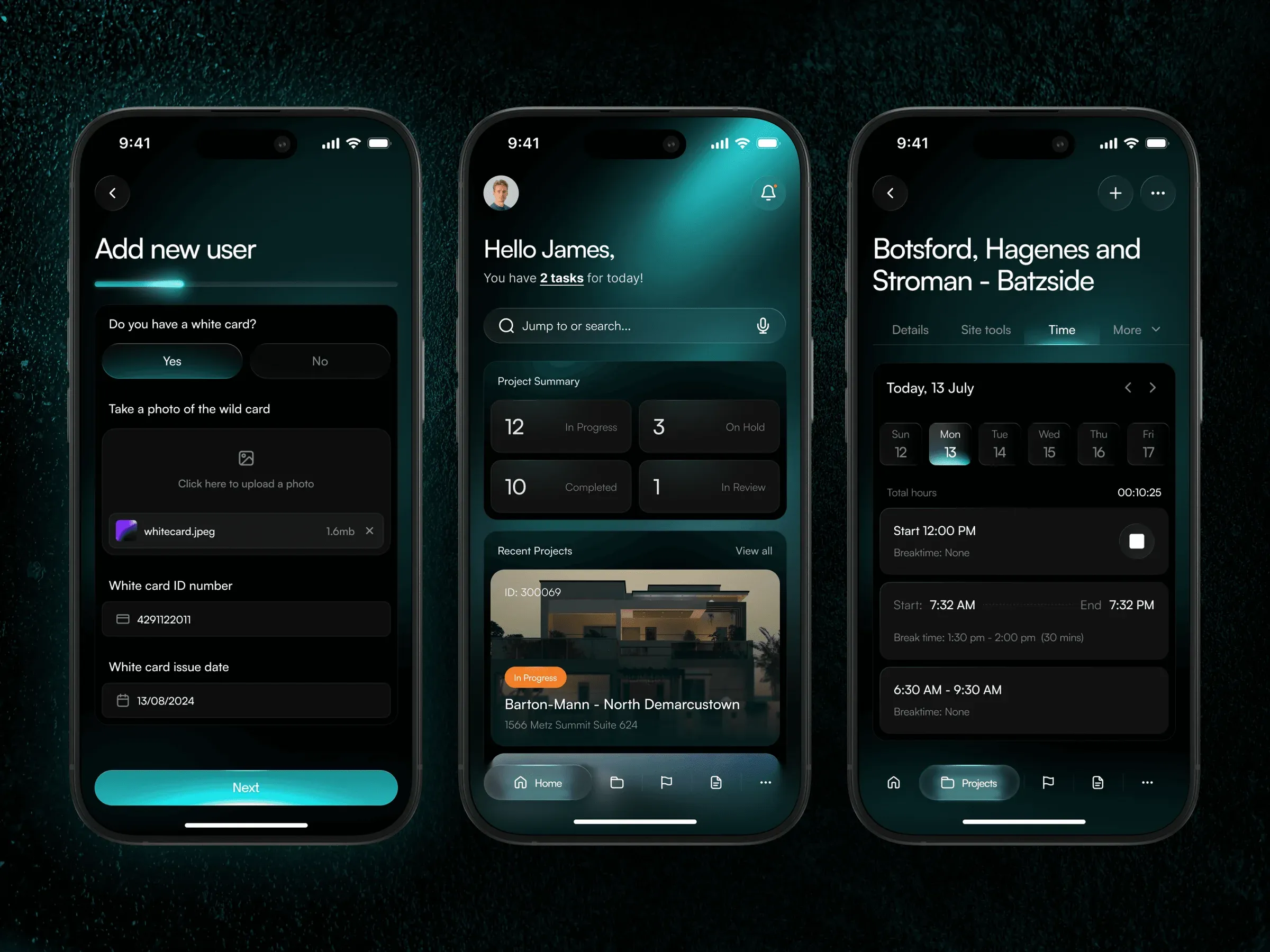
UI Assets page with Quick Form 2s email notifications, a three-step order tracker, a Form 2 button and an inbox list
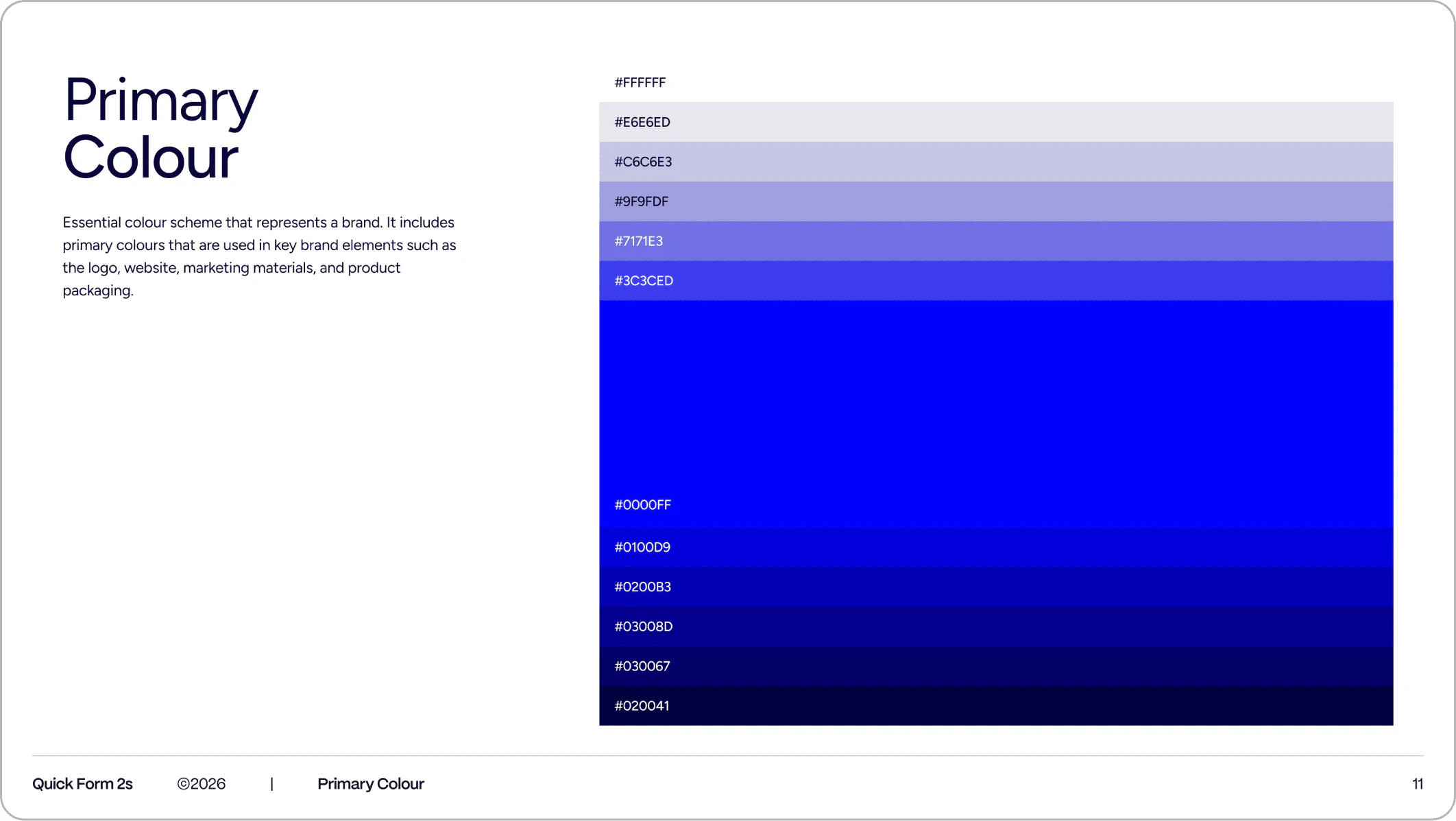
Primary Colour page with a stacked blue scale from pale lavender to deep navy, centred on pure blue 0000FF
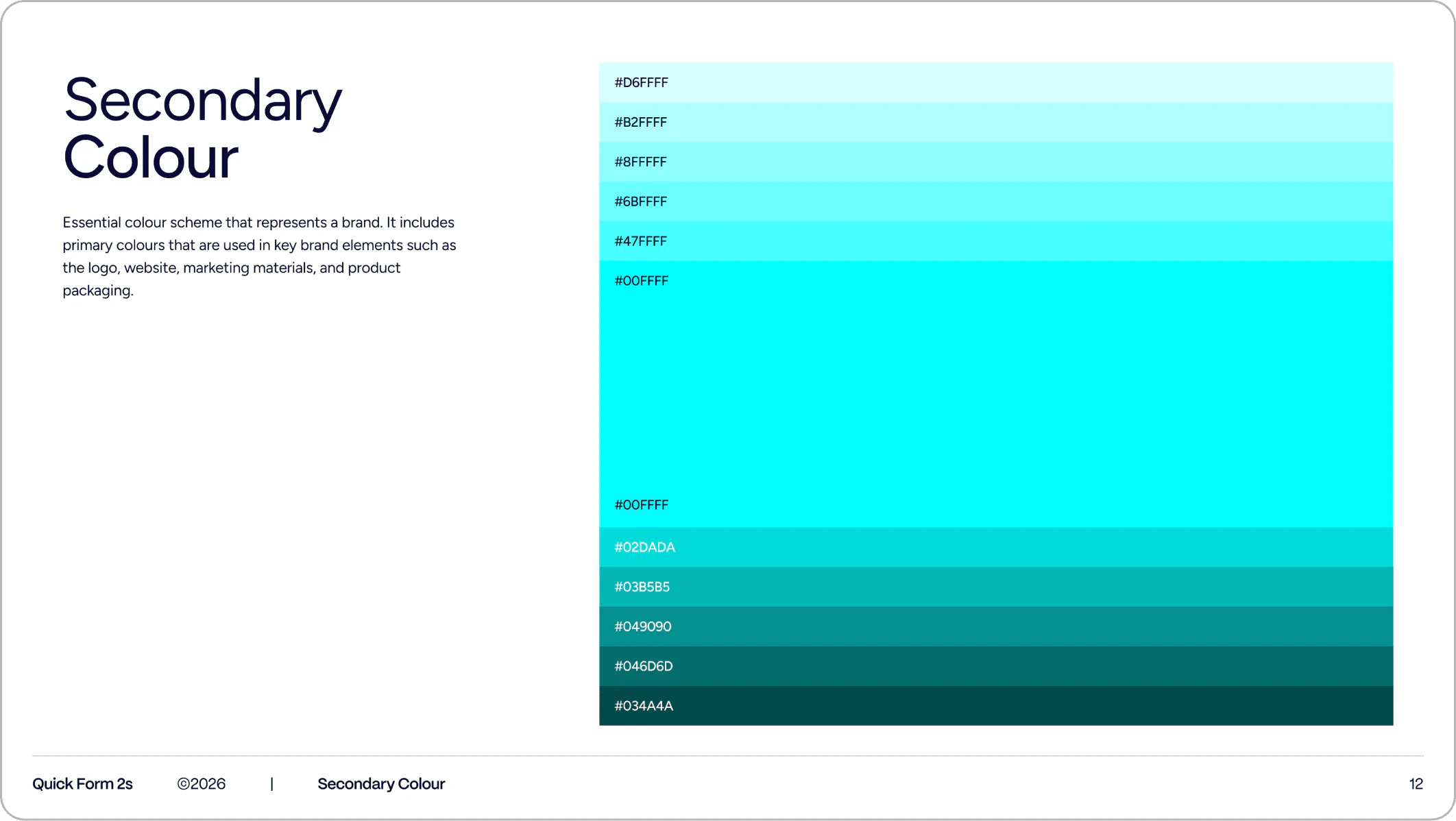
Secondary Colour page with a cyan scale from pale aqua to dark teal, centred on bright cyan 00FFFF

More work